HackTown
Cyber Criminal University - Home

You are not logged in. You will only be able to access the courses in GREEN from the course list.
Chapter 2 - Required Wi-Fi Hardware
Everyone uses a variety of hardware to hack into Wi-Fi networks with slight variations from setup to setup. There's no "right" way to have your gear setup but I recommend getting a backpack that can house all your Wi-Fi hacking gear in one place and keep the antennas hidden.
You want to blend in while you're sitting at the coffee shop hacking the Wi-Fi network across the street.
What do you think of Russian hackers or the Federal Security Service (FSB) abilities? Russian, Iran, North Korea, and many others have agents around the world conducting cyber operations against people all the time. We all have our own way of doing things but learning from "professionals" does help when trying to figure out how you want to operate.
Many nation state actors using equipment that is readily available to you too.
It's a good idea to keep in the know (FaceBook, TikTok, X (Twitter), Instagram, etc.) of other nation state actors and what they're up to so you're able to replicate what other government level hackers are currently doing and copy their methods for your own needs.

The Wi-Fi network cards recommended in this course require your laptop/computer to have USB 2.0 or a USB 3.0 port. Check your computer specifications to ensure they meet these requirements but most modern day laptop/computers will have these ports.
When you get more experience hacking Wi-Fi networks you can invest more money into a larger setup should you choose to go fucking crazy.
For now, you will need the following:
Many people get confused about which network card they should purchase so I'll make some recommendations so you don't have to figure that shit out on your own.
Recommended Wi-Fi network cards capable of injection
https://www.alfa.com.tw/collections/kali-linux-compatible
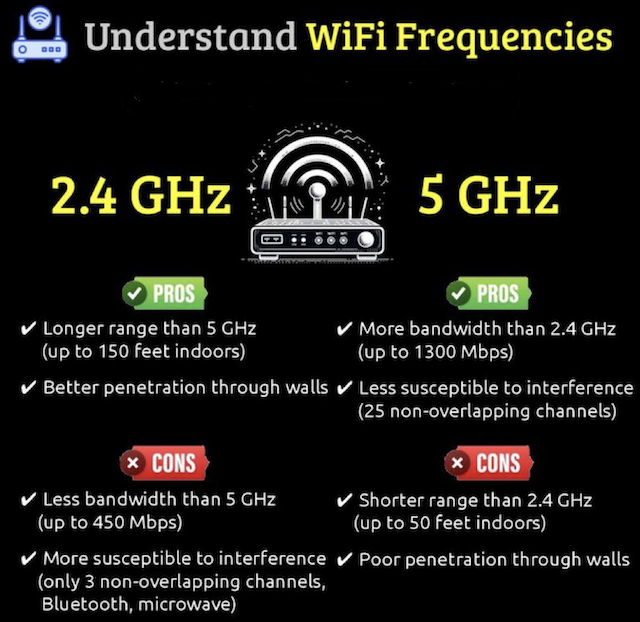
You can purchase these cards from the Alfa website, Walmart, Amazon, Ebay, Alibaba, and most major online retailors. Use Google.
Currently the AWUS036ACH does not work with one of the tools recommended later on in this course but is still an excellent choice since some Wi-Fi networks you'll encounter will be 5Ghz only and this card works on that. I recommend on owning multiple different Wi-Fi cards.
Whichever Wi-Fi network cards you choose make sure you always have (2) of them to maximize chance of success!
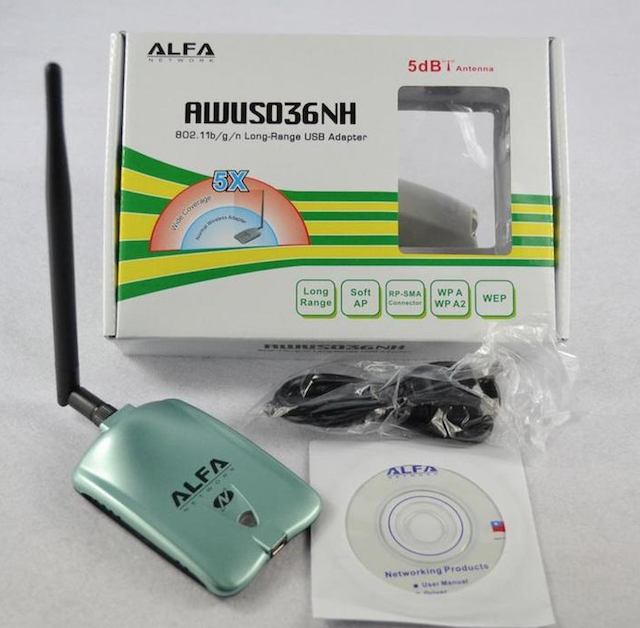
Below is the Alfa AWUS036NH 2.4GHz single band network card.
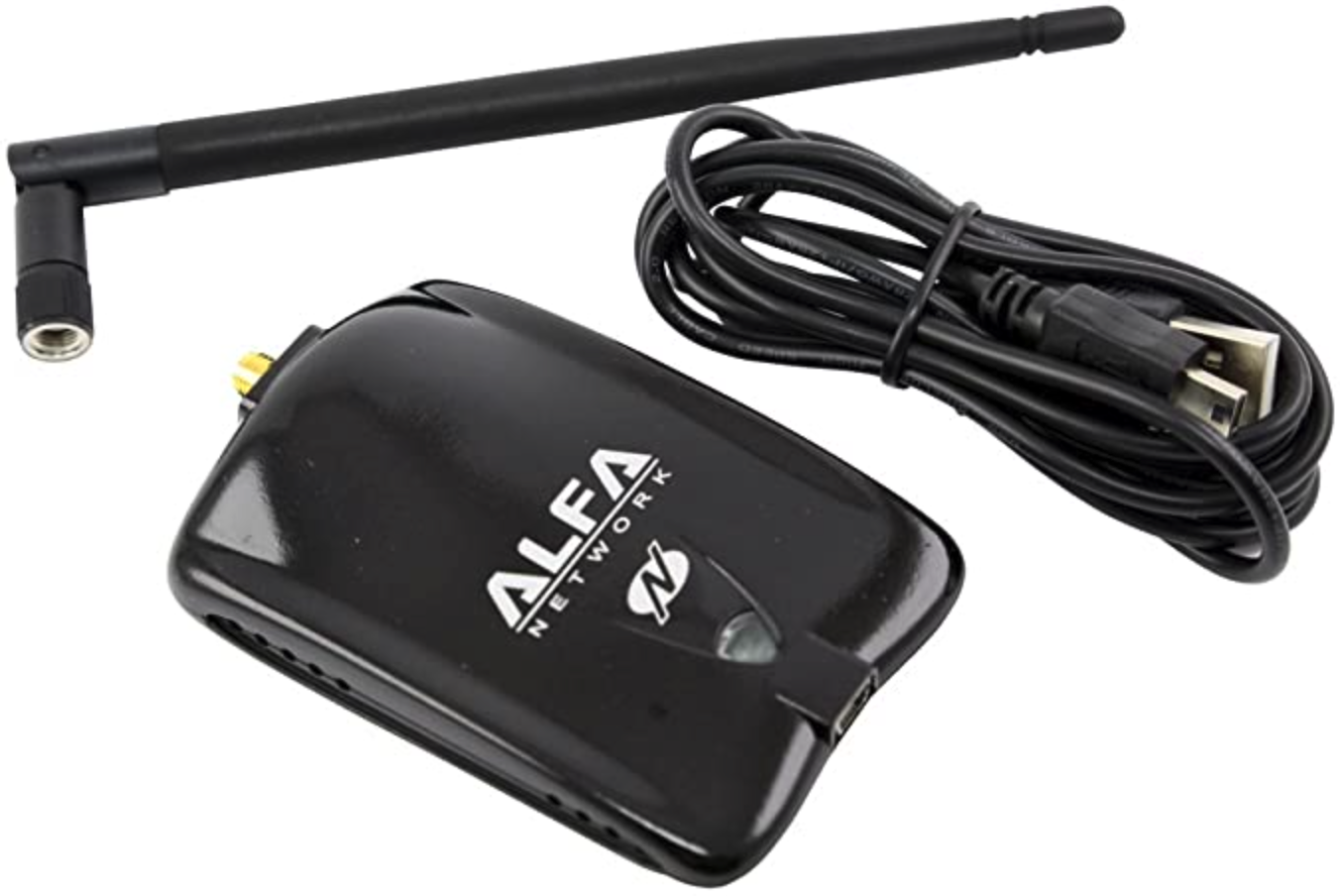
Here is the Alfa AWUS036NHA 2.4GHz single band network card.
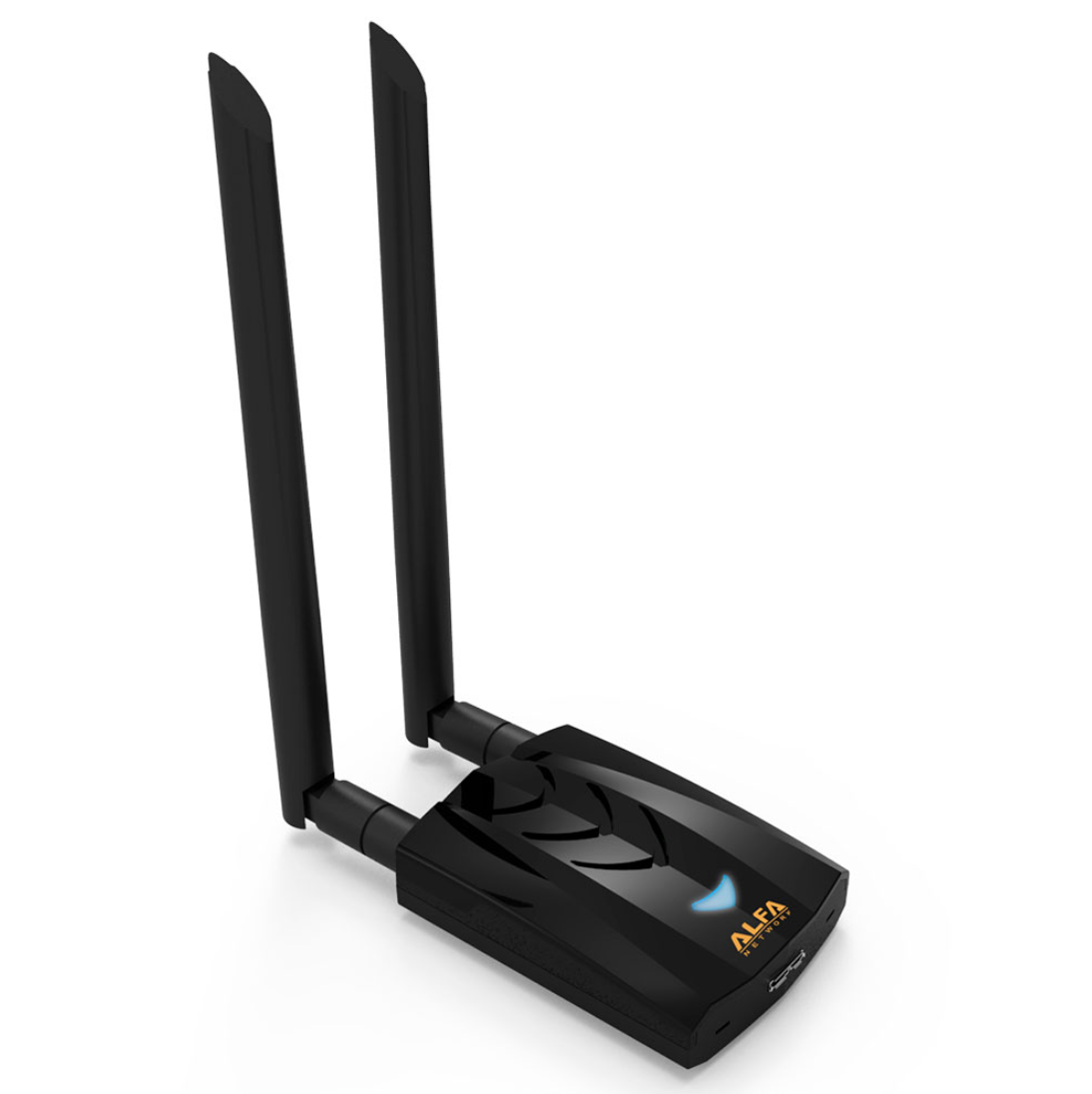
The picture below is the Alfa AWUS036ACH Dual Band 2.4GHz and 5GHz network card.
Later on in your "career" it's recommended to pick up a wide variety of antennas. Depending on your goals you might want a magnitude of Wi-Fi networks you're able to connect to and antennas help you increase your range of connectivity giving you the ability to connect to a Wi-Fi network a block away, the next apartment, or in some cases up to a 1/4 mile away.
When you're looking at purchasing different antennas there are a few things you should know.
A bigger antenna like a 15dBi or 20dBi doesn't necessarily mean it's better than a 2dBi per se. A 2dBi antenna is very effective at short range whereas a 9dBi antenna is not effective at short range but works well with picking up signals from a distance. Also, if there are walls or other barriers between you and the Wi-Fi network you're targeting a larger antenna will not make the signal better.
Let's say you want to connect to your neighbors Wi-Fi network across the street from you then a 7dBi or 9dBi antenna would be much better in this situation. The 7dBi-9dBi antenna gives decent range and is easily concealable in a shoulder bag or backpack. Eventually you'll be wanting other antennas to increase your Wi-Fi connection range such as outdoor antennas and parabolic antennas.
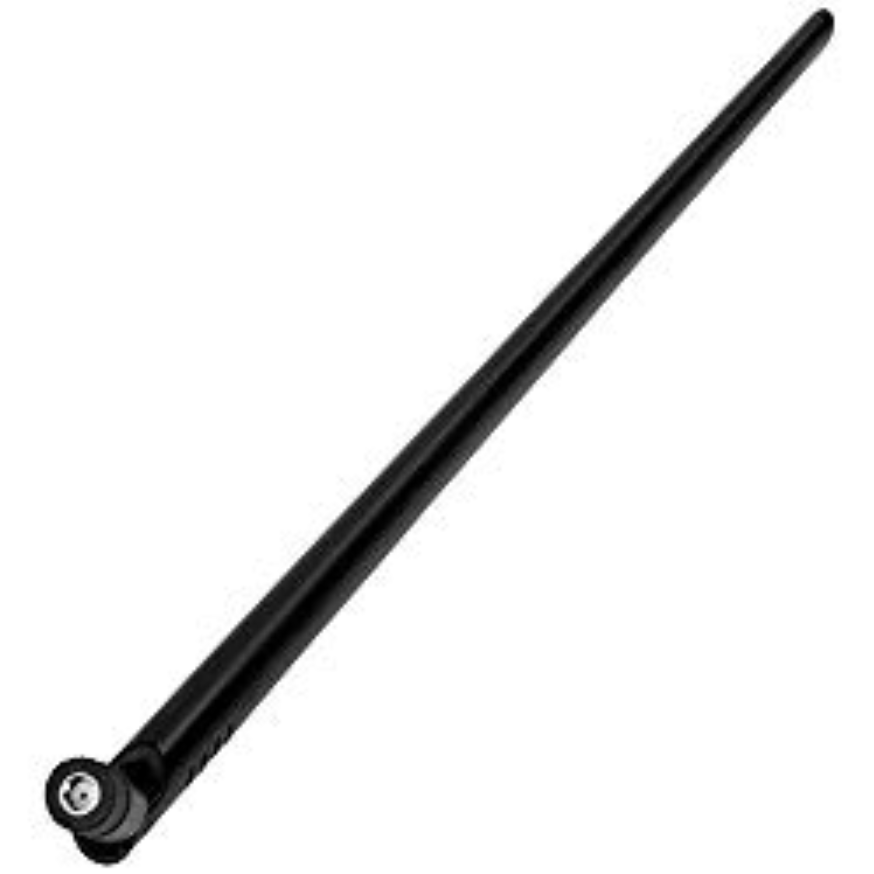
The stock antenna that comes with Alfa network cards have a range like a lamp in your living room. When you turn the lamp on the light it omits can be considered the range of these antennas. These antennas look like:
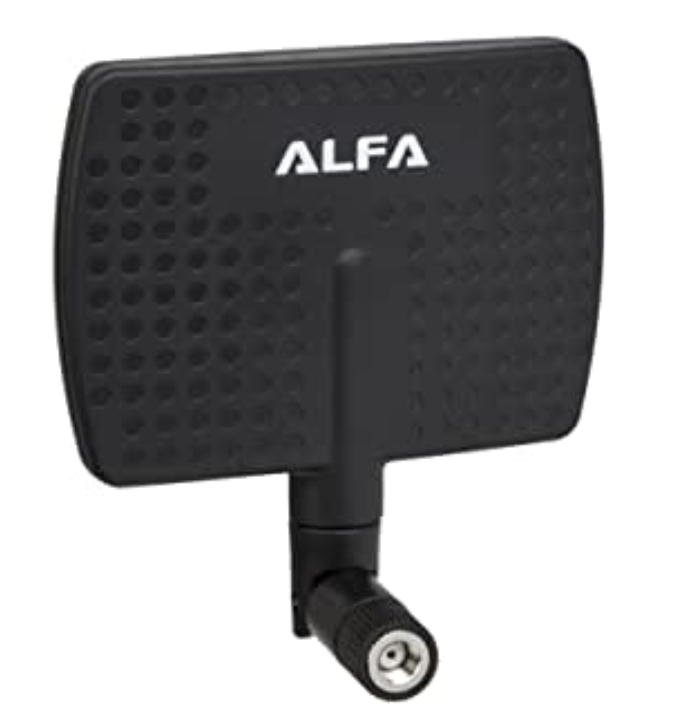
Panel Directional Antennas act more like a flashlight for their range. This pattern is much weaker than an omnidirectional antenna in most directions but very strong both directly in front and behind the antenna. This makes a panel antenna a great choice for a fixed location but really is a poor choice for an environment where you don't know the direction of the Wi-Fi signal. These antennas look like:
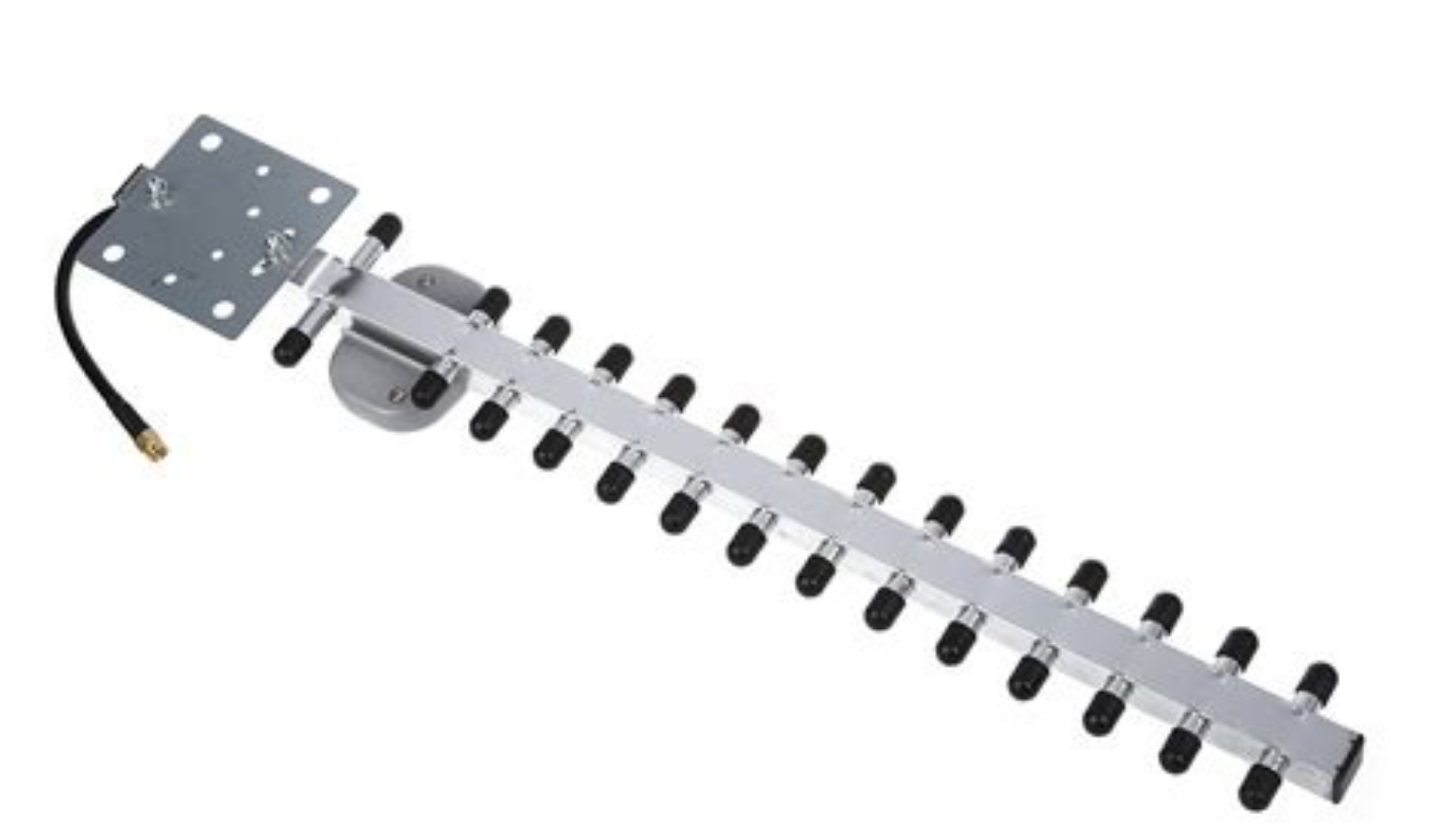
"Yagi" antennas are known for connecting to a Wi-Fi network from a distance and are widely used in the hacker community. These are best suited when targeting a Wi-Fi network from a great distance. They generally look like:

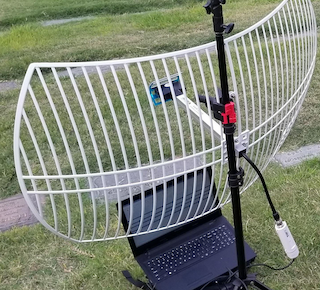
Parabolic antennas have great range but are very specific and can be annoying when trying to figure out the best angle to get the best signal. Picture using these antennas like using a laser pointer. The beam of light from a laser pointer is so small but extends for a long distance however, this can be tricky when trying to target a small area from far away. I small adjustment in the laser makes a huge difference when trying to stay on target yes? My advice here is that hopefully you're in a densely populated urban area and live higher than most buildings around you. If possible aim it directly at a high story building (ideally through a window) that's fully populated so you can compromise Wi-Fi networks up to a mile away from you. Ideally you would have a directional/parabolic antenna mounted on your balcony or outside facing a densely populated building or towards a known free Wi-Fi network.
While parabolic antennas are bulky and not subtle at all for small spaces they have the farthest reach of nearly any kind of Wi-Fi antenna and can reach a Wi-Fi router from miles away when positioned correctly.
A parabolic antenna looks like:
If you purchase a directional antenna then you can use the same techniques a hacker used to attack the Wi-Fi network of a popular organization sitting in his car from the parking lot which you'll learn about in the next article below. There once was a time where you could be in the parking lot across the street from a business and hack onto their W-Fi network to obtain CCs, accounts, etc. so easily. In some places this is still very much doable. The article below this is exactly what that guy did. He hacked onto a network then used other tools to "sniff" the network for credit cards and a whole bunch of other shit.
Open the link below and search for "war driving" on the page (CTRL+F) and read that paragraph. When you've finished the paragraph read the whole article from the beginning.
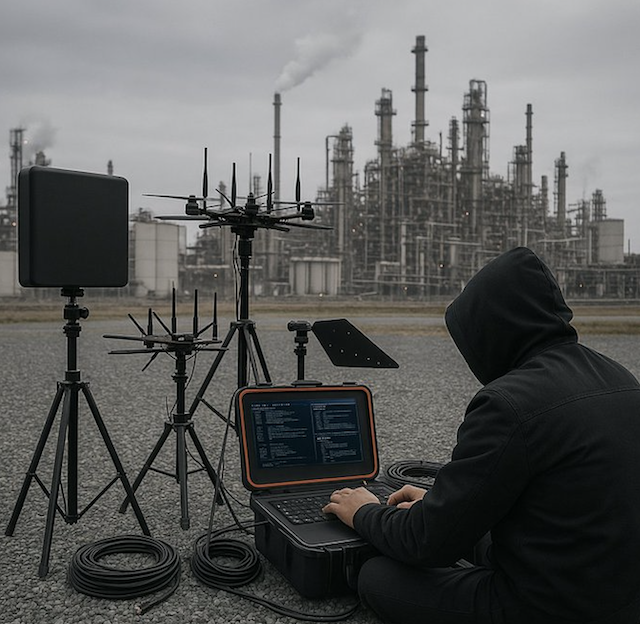
As you can see antennas can be used in a wide array of possibilities when it comes to hacking. This is why it's important to have your gear setup in a way that is portable, concealable, and will accomplish what you're trying to do. Are you aiming your antenna at a local restaurant in order to compromise their network and siphon POS credit cards from memory over their network? It's best to do this from a distance.
While directional antennas can increase the signal of a network when aimed correctly the advantage disappears or decreases as the Wi-Fi signals bounce off walls and other obstacles. When you have many obstacles in place between you and the Wi-Fi network you're targeting you may find that the strongest signal a directional antenna can receive may be from an angle other than directly towards the source.
It's also important to know that a larger omnidirectional antenna doesn't always mean there will be a stronger signal. If a Wi-Fi network is close to you a larger antenna can extend the strongest signal portion beyond where the target is located.
If you do purchase a better antenna try and conceal it as best you can because having antennas sticking out of every pocket you have while at a coffee shop isn't really "blending" in now is it? Imagine someone thinking that something was peculiar about their Internet connection at a public Wi-Fi and seeing someone with strange antennas, hacker type stickers all over their laptop, wearing a top hat, and looking up to no good sitting there. It's just not good. Blend in. Keep your laptop clean looking, keep professional, and appear to be a normal person sitting in a coffee shop not up to anything. No need for "I love H4X0R5" stickers on your laptop. Keep average looking and don't talk to anyone about your activities. A wolf in sheep's clothing. Have the cables running right into your backpack/bag close to your computer if you have USB cables running into your antennas.
Remember, those fucking Russians had their whole car setup for Wi-Fi hacking! Be creative but stay concealed.
Now that you're educated on the gear you need and have ordered the Alfa Wi-Fi network cards we can now start hacking Wi-Fi networks. When you have the right gear you can continue onto the next chapter.